Template guide · Sidebar profiles · opens Summit
A skills-forward resume template that organizes your experience by capability rather than chronology. Ideal when what you can do matters more than where you did it.
Build, edit, and preview free. Finished resume downloads require a purchase. See download options.
Spec sheet
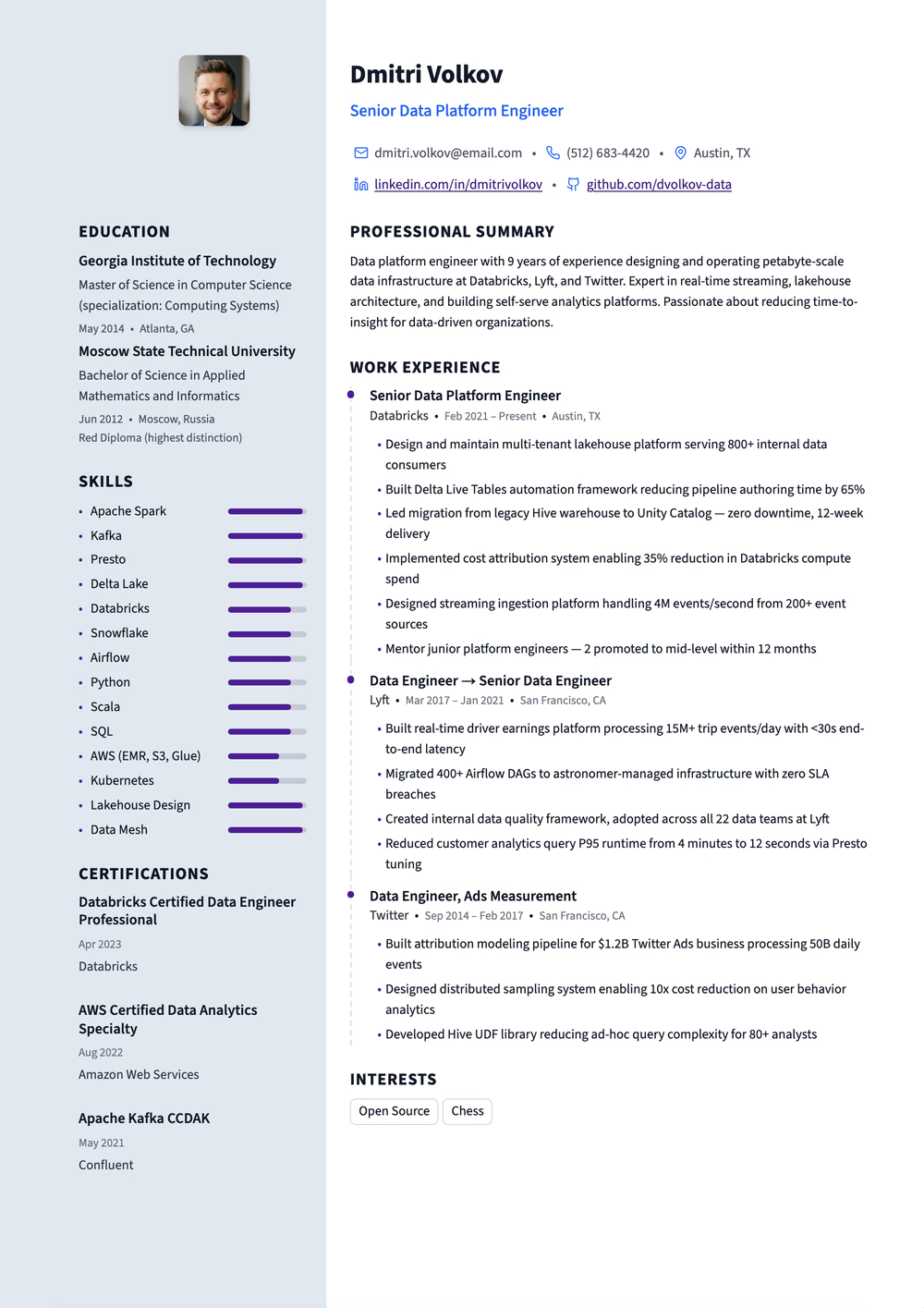
Two-column resume in violet — a left rail of skill bars grouped by category, Source Sans throughout, and certifications spelled out in full
Extraction certified
Why this shape
The Functional Skills-Based template restructures the traditional resume around competency clusters instead of a job-by-job timeline. Your core skills become the primary sections — leadership, technical proficiency, project management, client relations — with relevant accomplishments grouped beneath each regardless of which employer or role they came from. A condensed work history section still appears at the bottom for context, but the emphasis shifts decisively to demonstrated capability. Choose this template when career gaps, frequent job changes, or a non-linear career path would distract from your actual qualifications in a chronological layout.
Read before you apply through hiring software
Applying through an online job portal? Use a single-column template for the portal, and keep this one for emailing a recruiter or handing over in person.
Open the ATS-Optimized guideRead by the machine
A rail that some hiring software reads into the main column.
Declared layout score
80/100
A structural rating the template declares, not your odds.
Hiring-software test
Passed
A dense sample export came back with every section intact on Letter paper, Oct 17, 2026.
Word export
Word export as a single-column file
Filled in
29 fictional examples use this exact design. Open one to read the full sample as text, then replace its details with your own experience.
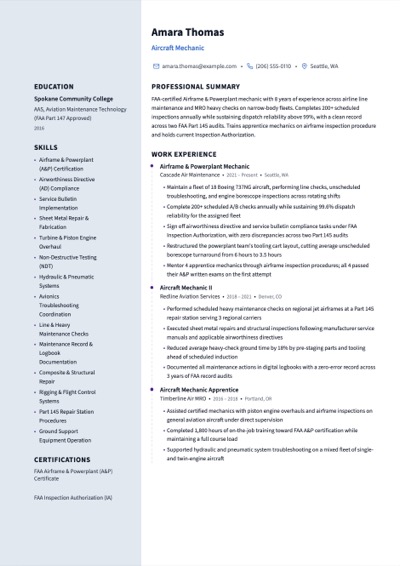 In SummitAircraft MechanicOpen the example
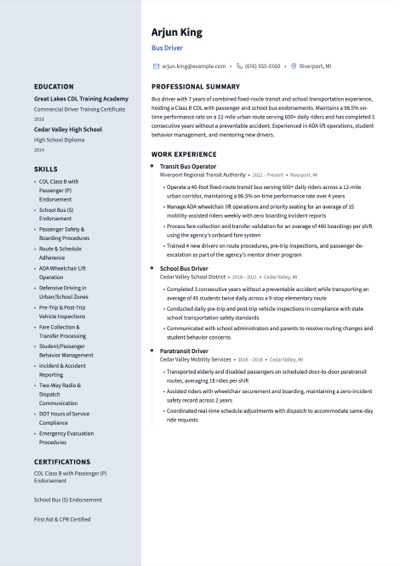 In SummitBus DriverOpen the example
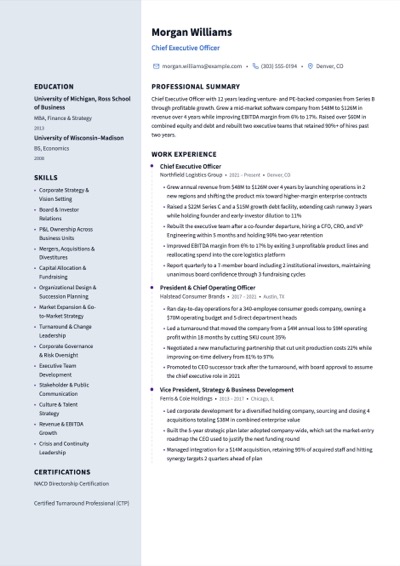 In SummitChief Executive OfficerOpen the example
 In SummitDental AssistantOpen the example
 In SummitDevOps EngineerOpen the example
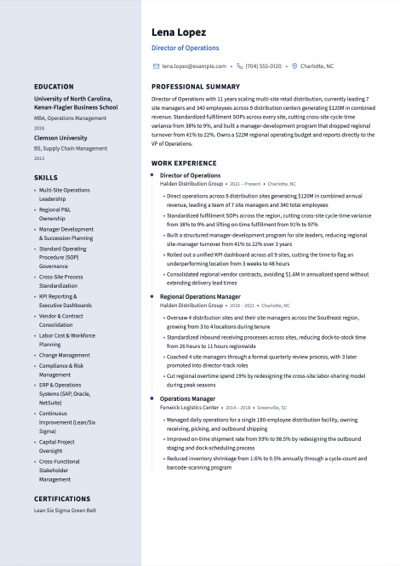 In SummitDirector of OperationsOpen the example
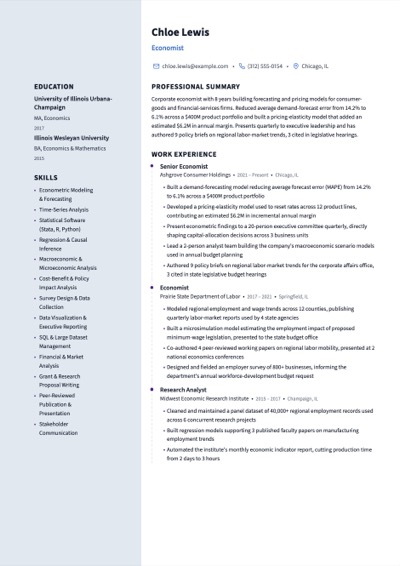 In SummitEconomistOpen the example
 In SummitExecutive AssistantOpen the example
Some recruiters prefer chronological formats because they reveal career progression at a glance. However, a well-constructed functional resume can be very effective when your chronological history would raise more questions than it answers. Our template includes a condensed work history section that provides the timeline context recruiters want while keeping skills front and center.
Analyze the job description for the role you want. Identify the three to five core competencies it requires, then build your skill categories around those. Pull accomplishments from any role, project, or volunteer experience that demonstrates each competency. This targeted approach shows direct alignment with the position requirements.
Yes, and our Two-Column Hybrid template does exactly that. If you want skills prominently featured but still want a full chronological work history, the hybrid approach gives you both. The functional format works best when the chronological timeline itself is the problem — gaps, short tenures, or unrelated roles.
Use it now
Build, edit, and preview free. Change the design without retyping your content. Finished resume downloads require a purchase.
