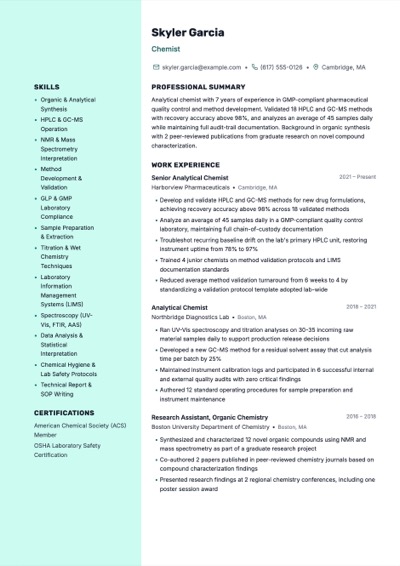
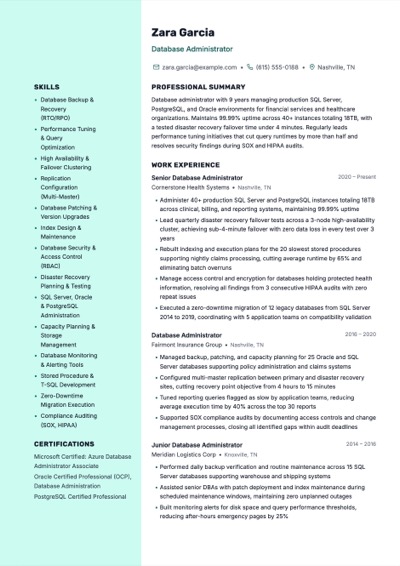
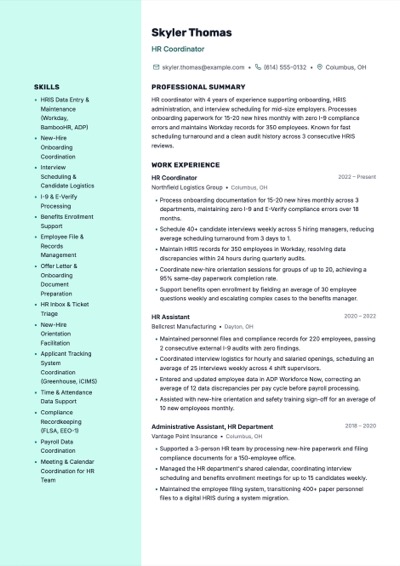
Template guide · Sidebar profiles · opens Ridge
A space-efficient dual-column layout that merges chronological work history with a structured skills sidebar. Ideal for experienced professionals with diverse qualifications.
Build, edit, and preview free. Finished resume downloads require a purchase. See download options.
Spec sheet
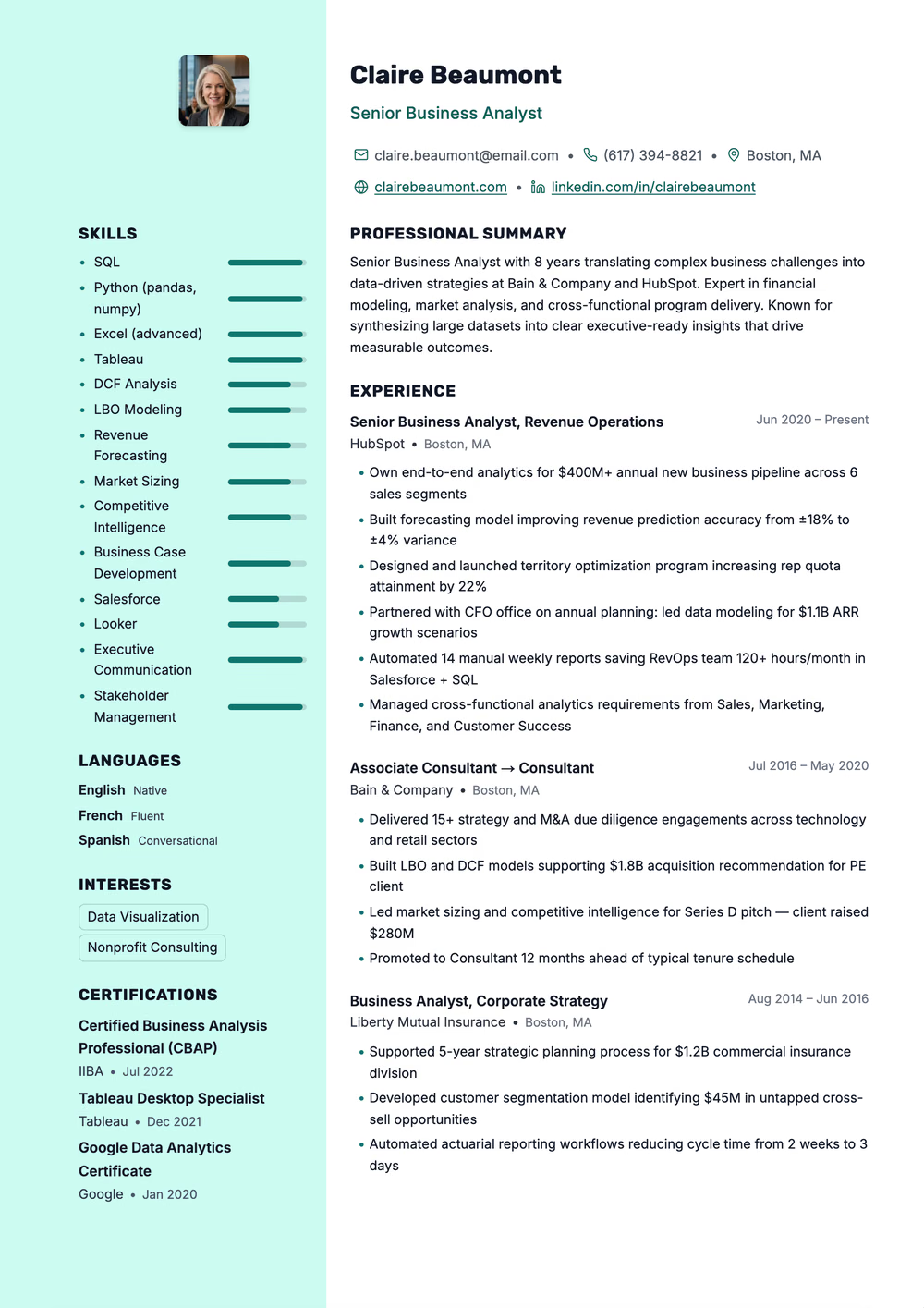
Calm clinical two-column resume — a soft teal rail for photo and skill bars, Rubik headings, and a dotted timeline down the roles
Extraction certified
Why this shape
The Two-Column Hybrid template solves a common resume dilemma: how to present deep work experience alongside a broad skill set without running to three pages. The left column anchors your chronological career narrative while a narrower right column houses skills, certifications, languages, and key metrics. This layout philosophy treats the resume as a dashboard — recruiters scan the sidebar for quick qualification checks, then dive into the main column for context. Choose this template when you have substantial experience and need every square inch of the page working for you.
Read before you apply through hiring software
Applying through an online job portal? Use a single-column template for the portal, and keep this one for emailing a recruiter or handing over in person.
Open the ATS-Optimized guideRead by the machine
A rail that some hiring software reads into the main column.
Declared layout score
80/100
A structural rating the template declares, not your odds.
Hiring-software test
Passed
A dense sample export came back with every section intact on Letter paper, Oct 17, 2026.
Word export
Word export as a single-column file
Filled in
21 fictional examples use this exact design. Open one to read the full sample as text, then replace its details with your own experience.
Yes. The template uses a fixed-proportion grid that renders cleanly on standard letter and A4 paper sizes. Column widths are calibrated so text remains legible at normal print resolution. We avoid ultra-narrow columns that cause awkward line breaks, keeping the sidebar wide enough for comfortable reading in print.
Place static, glanceable information in the sidebar — technical skills, certifications, languages, education, and contact details. The main column should hold narrative content: work experience entries with achievement bullets, project descriptions, and professional summaries. This mirrors how recruiters actually scan resumes.
The template is purpose-built for two columns, but if your sidebar feels sparse, you can consolidate by moving education or certifications into it. Alternatively, consider our One-Page Compact or Chronological Classic templates, which use single-column layouts better suited to leaner profiles.
Use it now
Build, edit, and preview free. Change the design without retyping your content. Finished resume downloads require a purchase.