GUUL

Template guide · Formal and academic · opens Cornerstone

Reverse Chronological Resume Template

Put your most recent role first in Cornerstone, a single-column design with clear headings and room for the work that matters to your next employer.

  • Single column
  • No photo slot
  • Letter and A4
  • Extraction certified

Build, edit, and preview free. Finished resume downloads require a purchase. See download options.

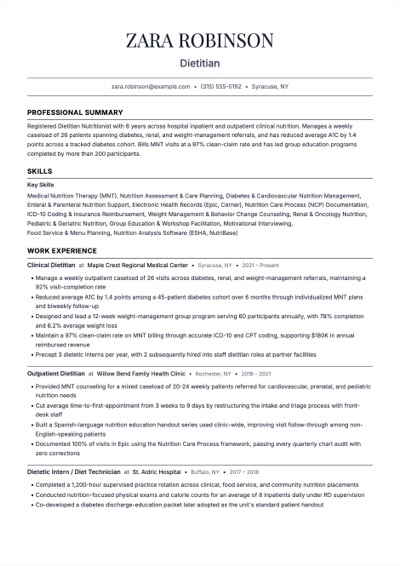
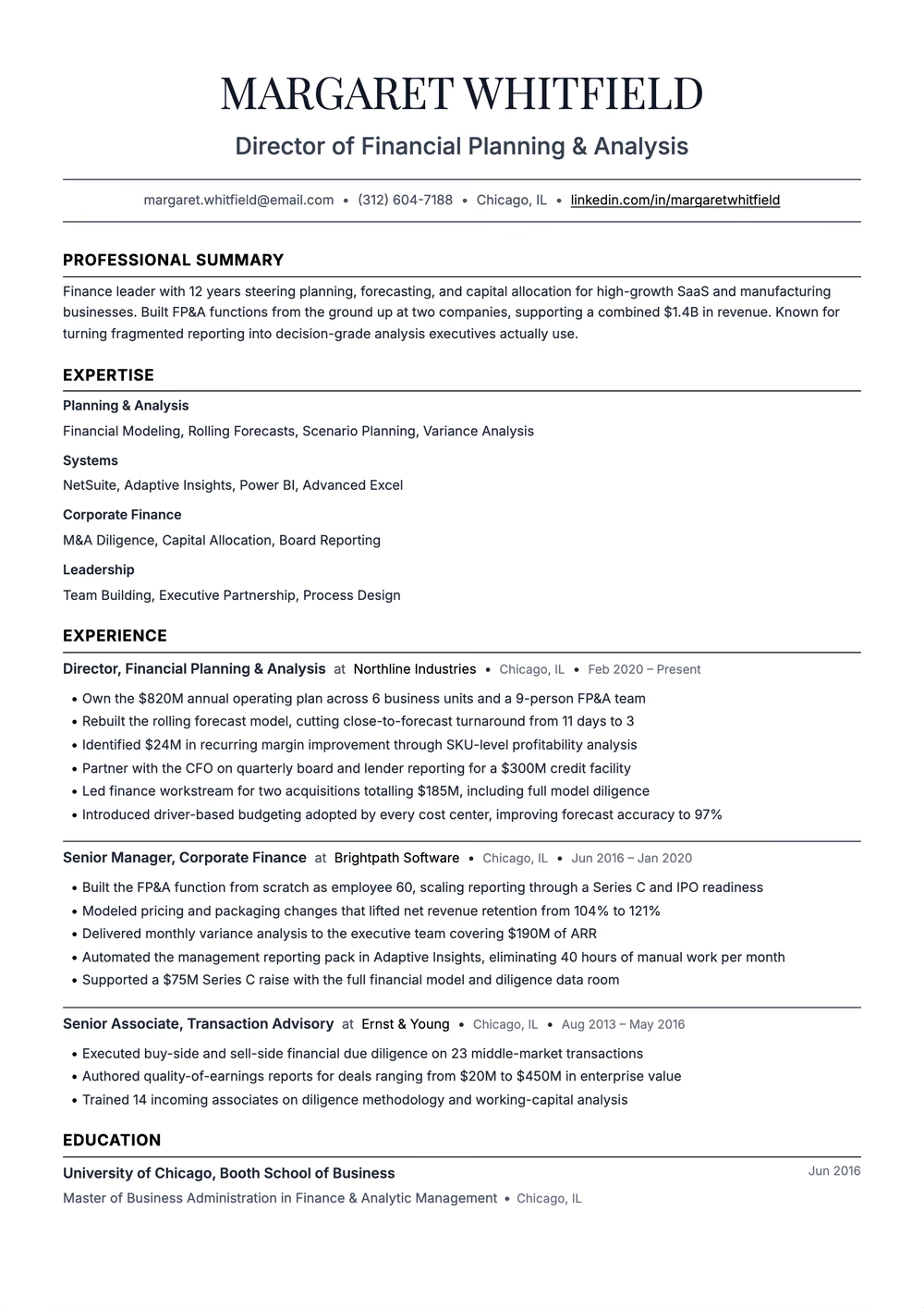
Reverse Chronological resume template preview — single column layout rendered in the Cornerstone template
Cornerstone · sample content

Spec sheet

Cornerstone

Traditional single column — a centred Playfair name over comma-separated contacts, underlined section titles, and skills grouped by category

Extraction certified

Layout
Single column. One reading order, top to bottom.
Photo
No photo slot
Graphics
No graphics
Paper
Letter and A4
Layout score
90/100, declared by the template for its structure
Hiring-software test
Passed Oct 17, 2026 on Letter paper: every section of a dense sample export came back intact.
Word export
Word export as a single-column file
Made for
Mid-level to lead roles in business, finance, consulting and technology

Why this shape

A reverse chronological resume lists your current or most recent job first, then works backward. This guide opens Cornerstone in the builder, the same design shown in the preview. Use it to connect your job titles, employers, dates, and relevant achievements in one reading order. You can keep older roles brief without hiding when or where you worked.

How it reads

  1. 01
    Single-column layout with one reading order
  2. 02
    Experience entries you can arrange from newest to oldest
  3. 03
    Separate headings for your summary, experience, education, and skills
  4. 04
    Editable bullets for responsibilities and achievements you can support

Best for

  • Showing recent experience in a related role
  • Making promotions and changes of employer easy to follow
  • Applications that request a dated employment history

How to put your work history in reverse chronological order

Start with your current job, or the job that ended most recently. For each entry, give the job title, employer, and accurate start and end dates. Put the next most recent role below it. List concurrent roles with their actual dates rather than changing dates to make the timeline look simpler.

Give the most relevant recent roles more space. Keep older or unrelated work brief, and explain career breaks plainly where useful. A summary can introduce a career change while the experience section still preserves the real order of your work.
Choose the content before shrinking the page

Use the job description to decide which responsibilities, tools, and results deserve space. Keep only figures you can verify. If the page feels crowded, cut repetition before reducing the font size. Follow the employer’s file and length instructions, then review every page of the finished document.

Read by the machine

Single column

One reading order, top to bottom.

Declared layout score

90/100

A structural rating the template declares, not your odds.

Hiring-software test

Passed

A dense sample export came back with every section intact on Letter paper, Oct 17, 2026.

Word export

Word export as a single-column file

Frequently Asked Questions

What is a reverse chronological resume?

It presents jobs from most recent to oldest. Each entry pairs your title and employer with dates and relevant work. The format makes the sequence of your experience easy to follow.

Is chronological the same as reverse chronological?

Resume guides often use “chronological” as shorthand for reverse chronological. In this template, put the newest role first rather than starting with your first job.

Can I use this format with a career gap or a career change?

Yes. Keep your dates accurate and use a short summary to connect your experience to the role you want. Give transferable work more detail without changing the order or inventing employment.

Is this resume template free?

You can build, edit, and preview your resume with this template for free. Downloading your finished resume requires a purchase. Check Guul’s pricing page for current download options and AI allowances.

Related Pages

Use it now

Open the builder with Cornerstone already chosen.

Build, edit, and preview free. Change the design without retyping your content. Finished resume downloads require a purchase.