Template guide · Clean and direct · opens Lucid
Designed to work flawlessly in Google Docs without formatting drift. Edit, collaborate, and export to PDF or DOCX knowing every element stays exactly where you placed it.
Build, edit, and preview free. Finished resume downloads require a purchase. See download options.
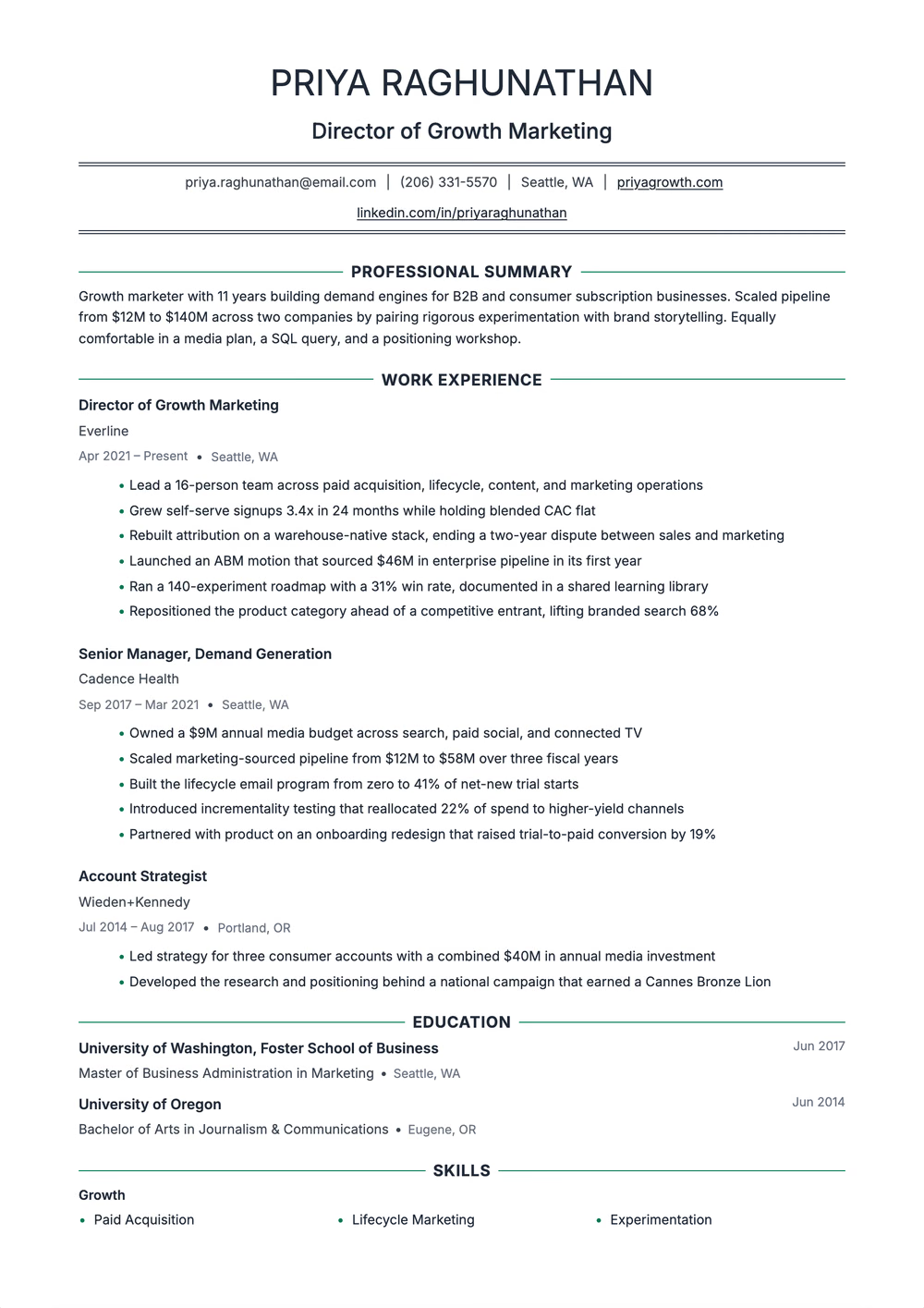
Spec sheet
Friendly modern single column — Inter throughout, centred section titles between side rules, company-first roles, and skills in a three-column grid
Extraction certified
Why this shape
Google Docs is the most accessible document editor, but resume templates often break when imported — columns shift, fonts substitute, and spacing collapses. This template is built natively for Google Docs constraints, using only features that render consistently across browsers and export cleanly to PDF and DOCX formats.
Read by the machine
One reading order, top to bottom.
Declared layout score
90/100
A structural rating the template declares, not your odds.
Hiring-software test
Passed
A dense sample export came back with every section intact on Letter paper, Oct 17, 2026.
Word export
Word export as a single-column file
Filled in
36 fictional examples use this exact design. Open one to read the full sample as text, then replace its details with your own experience.
 In LucidAdministrative AssistantOpen the example
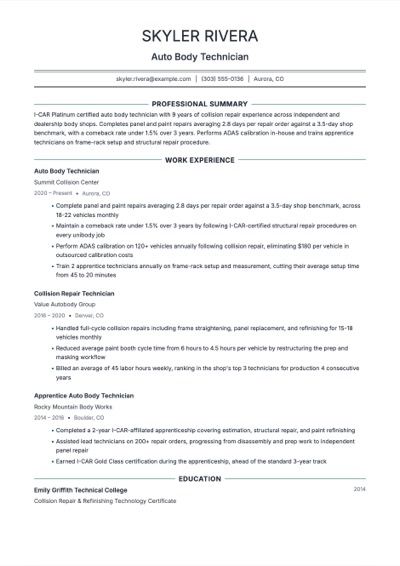 In LucidAuto Body TechnicianOpen the example
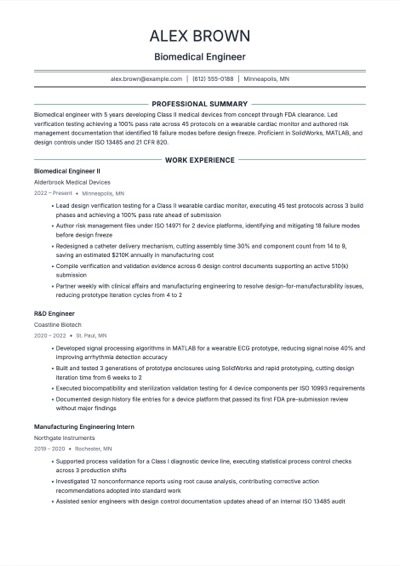 In LucidBiomedical EngineerOpen the example
 In LucidCareer ChangerOpen the example
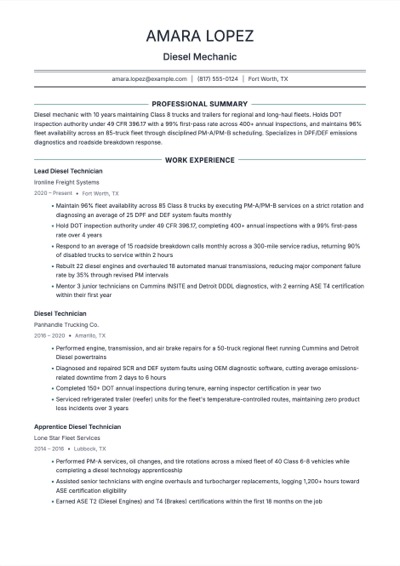 In LucidDiesel MechanicOpen the example
 In LucidDigital Marketing SpecialistOpen the example
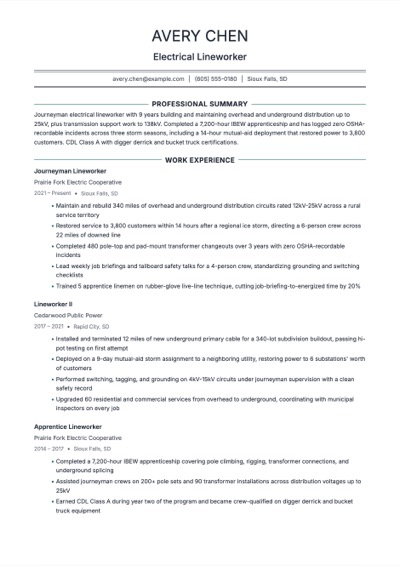 In LucidElectrical LineworkerOpen the example
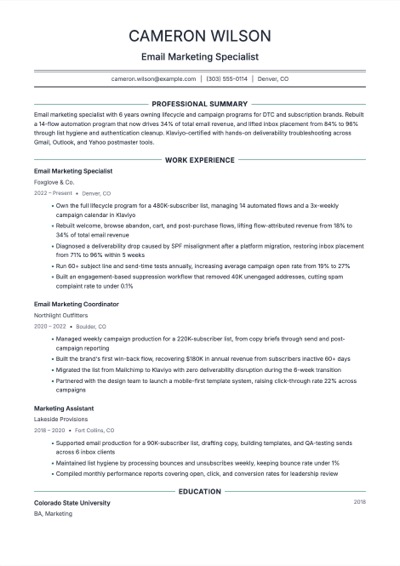 In LucidEmail Marketing SpecialistOpen the example
Same design, other needs
Most resume templates are designed in Word, InDesign, or Figma and then imported into Google Docs. Google Docs handles columns, text boxes, and custom fonts differently than those tools. Tables lose their borders, custom fonts fall back to defaults, and column widths shift. This template uses only Google Docs-native features, so nothing breaks.
Yes. Export as PDF for the cleanest results, or use DOCX if the application specifically requires Word format. This template is structured for clean ATS parsing in either format. Avoid exporting as ODT or RTF — most ATS systems handle those poorly.
Yes. The single-column layout and native Google Docs formatting means it renders correctly on phones and tablets. You can make quick edits on the go — fix a typo, update a date, or swap a bullet point — without worrying about layout issues.
Use it now
Build, edit, and preview free. Change the design without retyping your content. Finished resume downloads require a purchase.
