Template guide · Formal and academic · opens Meridian
Optimized for Microsoft Word with pixel-perfect .docx output. This template uses Word-native styles, proper heading hierarchy, and clean formatting that survives cross-version compatibility.
Build, edit, and preview free. Finished resume downloads require a purchase. See download options.
Spec sheet
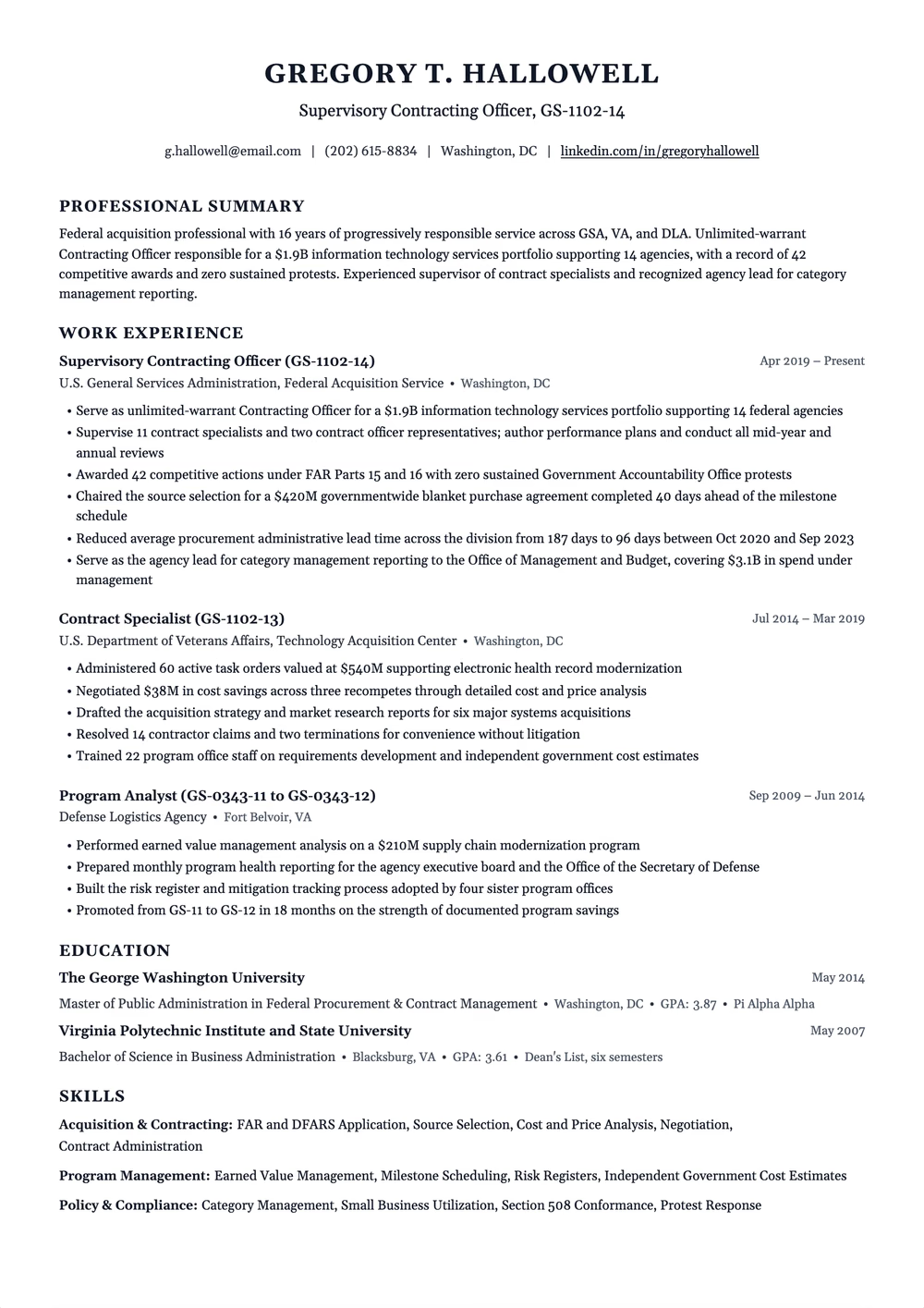
Strict single-column, monochrome serif resume for federal, legal and traditional-industry applications. Standard section headings, explicit month-and-year dates, no photo, icons or colour.
Extraction certified
Why this shape
Many ATS systems and recruiters specifically request Word format. This template is built with Word-native styles and formatting, ensuring your resume looks exactly the same whether opened in Word 2019, Word 365, or Word for Mac. No broken tables, no font substitutions, no margin shifts — just clean, professional formatting.
Read by the machine
One reading order, top to bottom.
Declared layout score
90/100
A structural rating the template declares, not your odds.
Hiring-software test
Passed
A dense sample export came back with every section intact on Letter paper, Oct 17, 2026.
Word export
Word export keeps this layout (certified)
Filled in
The example resumes on this site are rendered in a fixed set of designs, and this one is not in it yet. Browse the examples for your role; the writing advice applies to any design.
Same design, other needs
Some ATS systems parse .docx more accurately than PDF. Recruitment agencies also prefer Word so they can reformat your resume with their branding before sending it to clients. Additionally, some older ATS platforms like Taleo have better .docx support. When in doubt, submit .docx unless the application specifies PDF.
Yes. This template uses fonts and styles available on both Windows and macOS. Word for Mac occasionally renders spacing slightly differently, but this template has been tested across both platforms. The fonts used — Calibri and Cambria — are installed with all versions of Microsoft Office.
It will open in LibreOffice and OpenOffice, but formatting may shift slightly since those programs render Word styles differently. If you use LibreOffice as your primary editor, the Google Docs Compatible template may be a better starting point.
Use it now
Build, edit, and preview free. Change the design without retyping your content. Finished resume downloads require a purchase.
