GUUL

Template guide · Clean and direct · opens Crisp

Biodata format for a job

Guul does not have a biodata template. It has a plain single-column resume design with optional personal fields for India.

  • Single column
  • No photo slot
  • Letter and A4
  • Extraction certified

Build, edit, and preview free. Finished resume downloads require a purchase. See download options.

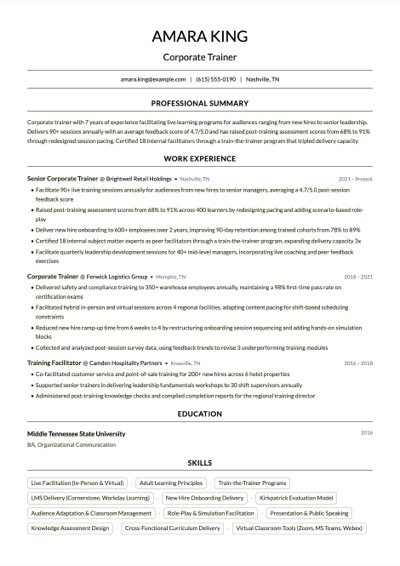
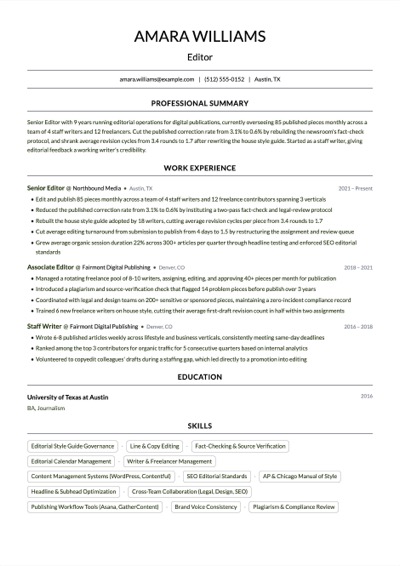
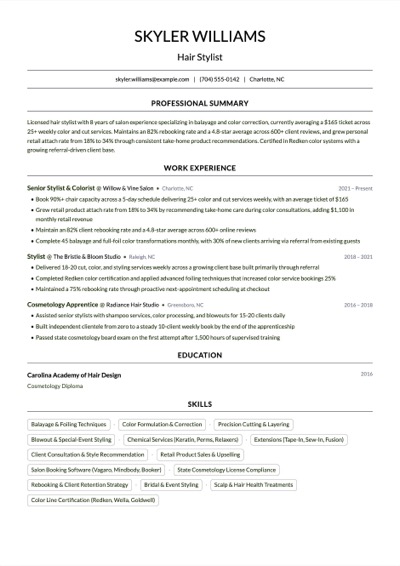
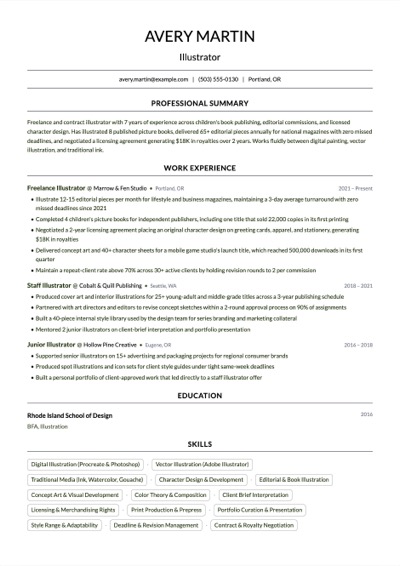
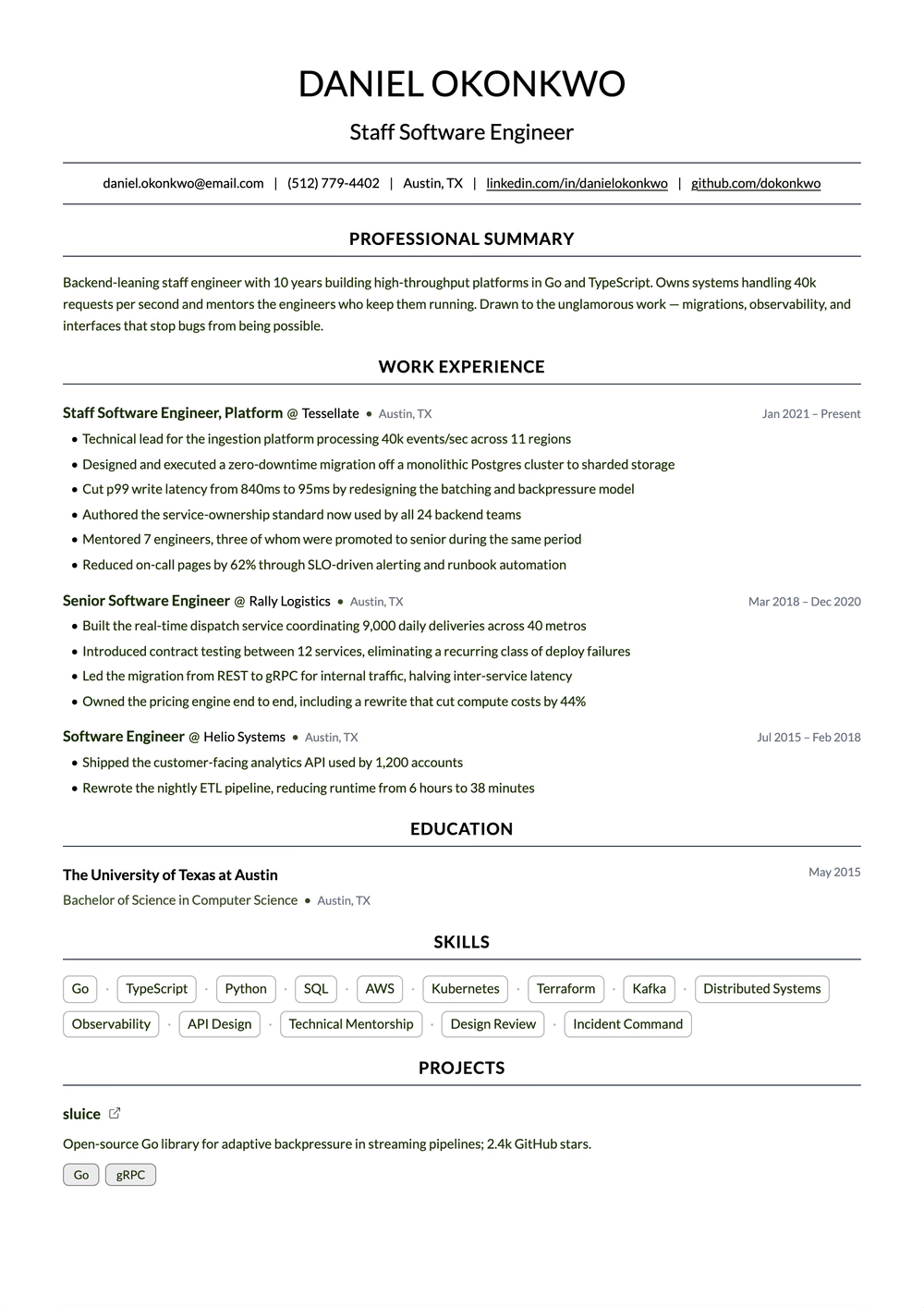
Biodata Format for a Job resume template preview — single column layout rendered in the Crisp template
Crisp · sample content

Spec sheet

Crisp

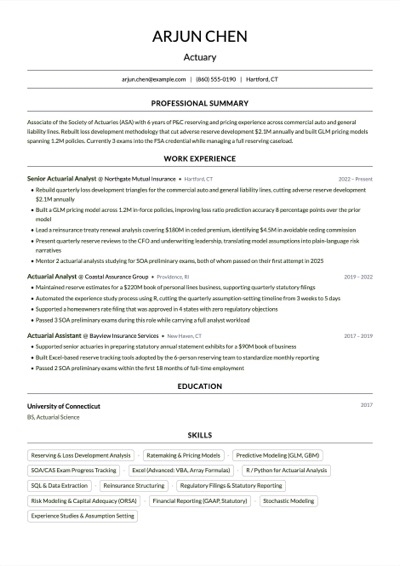
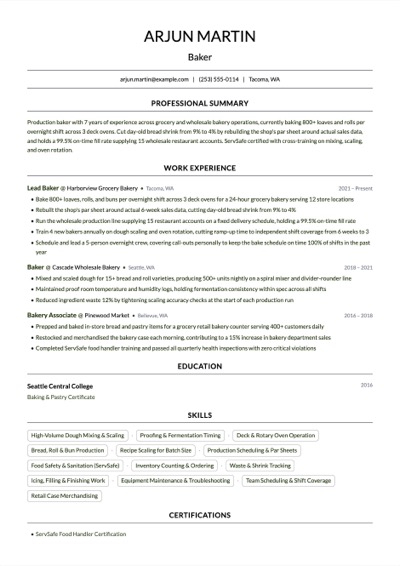
Clean single column on a white page — Lato throughout, centered section titles above fine rules, and compact roles that carry their location beside the company

Extraction certified

Layout
Single column. One reading order, top to bottom.
Photo
No photo slot
Graphics
No graphics
Paper
Letter and A4
Layout score
90/100, declared by the template for its structure
Hiring-software test
Passed Oct 17, 2026 on Letter paper: every section of a dense sample export came back intact.
Word export
Word export as a single-column file
Made for
Entry to senior roles in business, operations, customer success and retail

Why this shape

People look for a biodata format when an employer, often a local business or a contractor, asks them to send their biodata. Guul does not offer a separate biodata template, and this page does not pretend otherwise. What it offers is Crisp, an existing single-column Guul design, with optional date of birth, marital status and nationality fields for India. Together they give you a clean one-page document with the personal details a biodata request expects, built from the same facts as your resume.

How it reads

  1. 01
    Crisp, an existing single-column Guul design with no sidebar or multi-column layout.
  2. 02
    Optional date of birth, marital status and nationality fields for India, shown on one line in the header only when you add them.
  3. 03
    A4 by default for India, with PDF and Word export from the same document.

Best for

  • Applicants asked to send a biodata for a local or small-business job
  • People who want a biodata-style page and a resume built from the same facts

What this page offers, and what it does not

A traditional job biodata is a form-like sheet: a block of personal details at the top, then qualifications and past jobs in a line each, sometimes with a photograph and a declaration. Guul does not reproduce that form. Crisp is a resume design, so your page will look like a short, tidy resume that also carries the personal details the employer asked for.

When an employer simply wants your details on one clear page, that serves the purpose. If an employer hands you a printed biodata format, or a government notice prescribes its own form, fill that instead. Crisp has no photo slot, so if a photograph is required, follow the employer's instructions for sending one.
How to set it up in Guul

Open Crisp from this page and fill in your name, phone, email and city. For India, date of birth, marital status and nationality are available as optional fields. Add only the ones the employer asked for; they appear together on one line in the header, and a field you leave empty does not appear at all.

Then add education, newest first, with each score on its scale, such as 64.2% or CGPA 7.1/10, and your jobs with month and year dates. Keep it to one page. Export a PDF to send by email or WhatsApp, or a Word file if the employer wants to edit it. When a company or job portal asks for a resume instead, remove the personal fields you added and send the same document.

What to leave out, even for a biodata

A job biodata does not need your religion, caste, height, weight or family income, and a request for biodata is not a reason to add them. Aadhaar, PAN, passport and bank account numbers belong in joining paperwork after an offer, handed over through the employer's official process, not on a page you send to anyone who asks.

Father's name, a full home address and a signed declaration are worth adding only when the employer's own format asks for them. If you are unsure, send the short version and add a detail when the employer requests it.

Read by the machine

Single column

One reading order, top to bottom.

Declared layout score

90/100

A structural rating the template declares, not your odds.

Hiring-software test

Passed

A dense sample export came back with every section intact on Letter paper, Oct 17, 2026.

Word export

Word export as a single-column file

Frequently Asked Questions

Does Guul have a biodata template?

No. Guul has no separate biodata template. This page uses Crisp, an existing resume design, together with the optional date of birth, marital status and nationality fields that Guul offers for India.

What is the difference between a biodata and a resume?

A biodata leads with personal details and lists qualifications and jobs briefly. A resume leads with what you can do and describes your work in more detail. Our comparison of biodata, resume and CV explains when each one is expected.

Can I add a photograph to this biodata?

Crisp has no photo slot. If an employer insists on a photograph, follow their instructions for sending it, or use the printed format they give you.

Should I add a declaration at the end?

Only when the employer's own format asks for one, using the wording they give. On an open-format page, a declaration takes space without telling the reader anything new.

Related Pages

Use it now

Open the builder with Crisp already chosen.

Build, edit, and preview free. Change the design without retyping your content. Finished resume downloads require a purchase.